SpinBetter offers a dedicated mobile app that gives you the full platform experience on your phone — casino games, live betting, deposits, withdrawals, and account management. The catch? It's not available on Google Play or the Apple App Store. Android users download an APK file directly from the official website, while iOS users install via Apple's TestFlight programme. This guide walks you through both processes and covers the exclusive mobile perks you'll get.
SPINNOW
The SpinBetter APK is the Android app installer file that you download directly from the official website. Since it's not on Google Play, you'll need to allow installation from unknown sources on your device. Here's how:
Open the site in your mobile browser (Chrome, Firefox, or any other). Look for the app download section or the mobile banner that appears for Android users.
Tap the Android download button. The APK file (approximately 50 MB) will start downloading to your device. You may see a browser warning about unknown files — this is normal for non-Play-Store apps.
Go to Settings → Security (or Apps & Notifications → Special app access → Install unknown apps) and allow your browser to install apps. The exact path varies by Android version and manufacturer.
Tap the downloaded APK file and follow the installation prompts. Once installed, open the SpinBetter app, log in with your existing credentials, and you're ready to go.
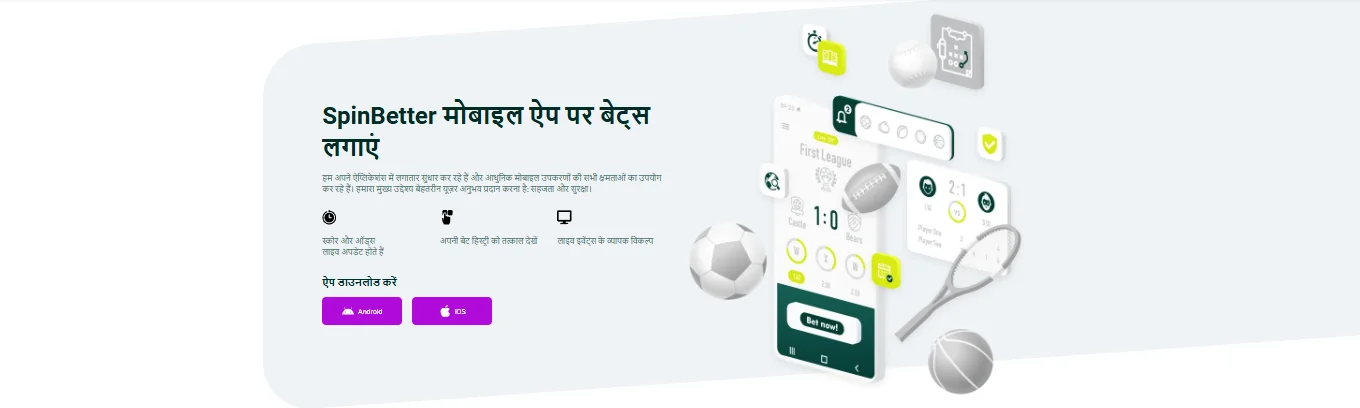
iOS users install the SpinBetter app through Apple's TestFlight programme rather than the App Store. TestFlight is Apple's official beta testing platform, and it's a common distribution method for gambling apps that aren't permitted in the main App Store.
If you don't already have it, download Apple's TestFlight app from the App Store. It's free and published by Apple Inc.
Visit the official SpinBetter website on your iPhone and tap the iOS download button. This redirects you to a TestFlight invitation link.
TestFlight opens automatically and shows the SpinBetter app. Tap "Accept" and then "Install". The app appears on your home screen just like any regular app.
One of the best reasons to use the mobile app is the exclusive free bet offer. The promotion runs from 23 June 2025 to 21 June 2026: place 10 qualifying bets of at least €1 each through the app, and you'll receive a free bet worth the average stake of those 10 bets, up to a maximum of €10.
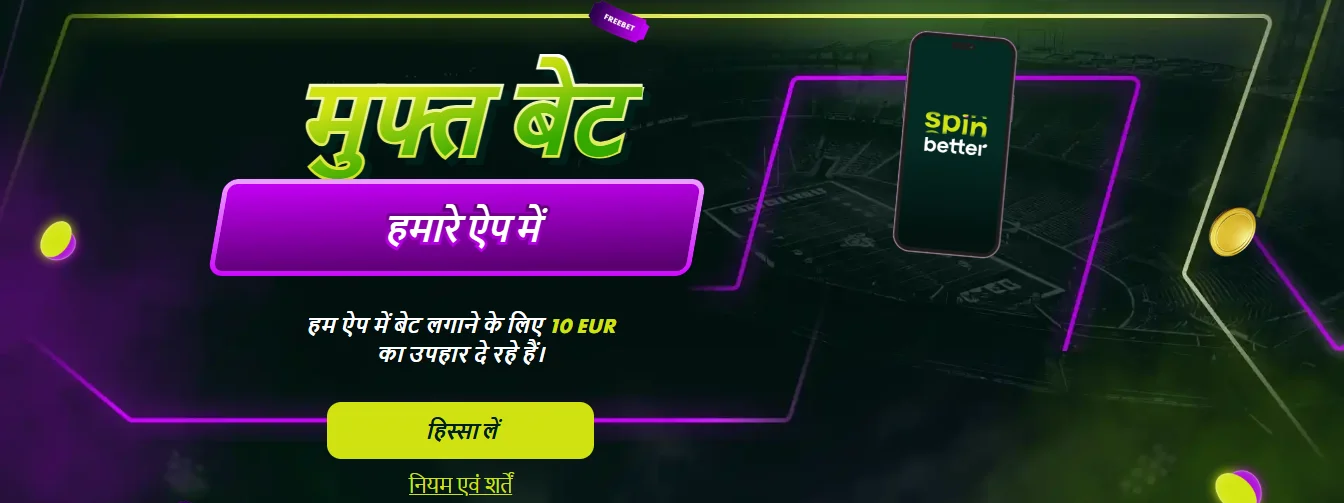
To qualify, you must press "Take part" on the offer page within the app. Pre-match and live bets count — singles need odds of 1.4 or higher, while accumulators need 2+ selections each at 1.3+. The free bet, once credited, must be wagered in a pre-match or live accumulator with at least 4 selections, each at odds of 1.4+. You have 72 hours to use it. Handicap bets, total bets, and bets placed with bonus funds don't count toward the qualifying ten.
The Spin Better app is built as a native wrapper rather than a simple webview, which means it runs noticeably smoother than the mobile browser version. Push notifications alert you about settled bets, new promotions, and live events you've marked as favourites. The app also supports biometric login (fingerprint and face recognition on supported devices), making quick access painless.
In terms of performance, the app consumed roughly 150–200 MB of storage during our testing and used moderate data — about 30–50 MB per hour of active use for casino games, more for live dealer streams. Battery usage is comparable to other gambling apps. The app updates periodically, and SpinBetter typically notifies you within the app when a new version is available. For Android users, updates mean downloading a fresh APK from the site; iOS TestFlight users receive updates automatically.
You can access SpinBetter through your phone's browser without installing anything, and the mobile website is fully responsive. So why bother with the app? A few reasons: the app loads faster, notifications keep you updated on your bets and promotions, the interface is slightly more optimised for touch navigation, and you get access to the exclusive free bet offer. The Spin Better app also maintains your login session more reliably than a browser, which tends to clear sessions periodically.
That said, if you prefer not to install APKs or deal with TestFlight, the mobile browser experience is perfectly functional. You won't miss any games or features — just the app-exclusive free bet and the smoother native experience.
The Aviator crash game is one of the most-played titles on SpinBetter, and it works excellently on the mobile app. The touch interface feels natural for placing bets and cashing out at the right moment. Many players prefer the app specifically for Aviator and other crash games because the instant response time matters when you're watching a multiplier climb.
Yes, provided you download it directly from the official SpinBetter website. The APK is the legitimate app package — it simply isn't distributed through Google Play due to the platform's gambling app policies. Always download from the official source to avoid counterfeit versions.
Both Google and Apple have restrictive policies around real-money gambling apps, particularly for platforms with Curaçao licences targeting multiple regions. APK distribution for Android and TestFlight for iOS are standard workarounds used by most international betting platforms.
The app provides access to the full game library — slots, live casino, crash games, sports betting, and esports. There's no content locked to the desktop version.
Open the free bet offer page inside the app and tap "Take part." Then place 10 qualifying bets of at least €1 each. Your free bet (worth the average of those stakes, max €10) will be credited within the promotional period.